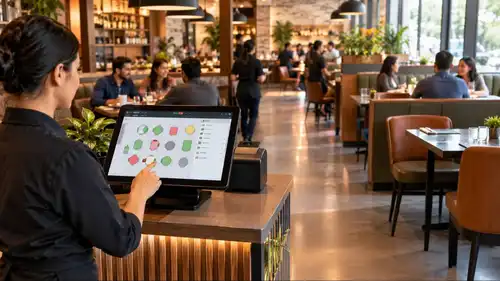
What is POS Menu Management ?
POS Menu Management is the process of updating and controlling menu items, pricing, and availability through a POS system to ensure accuracy across all ordering channels.
POS systems
Updated On: May 14, 2026 | Published On: January 30, 2026 |

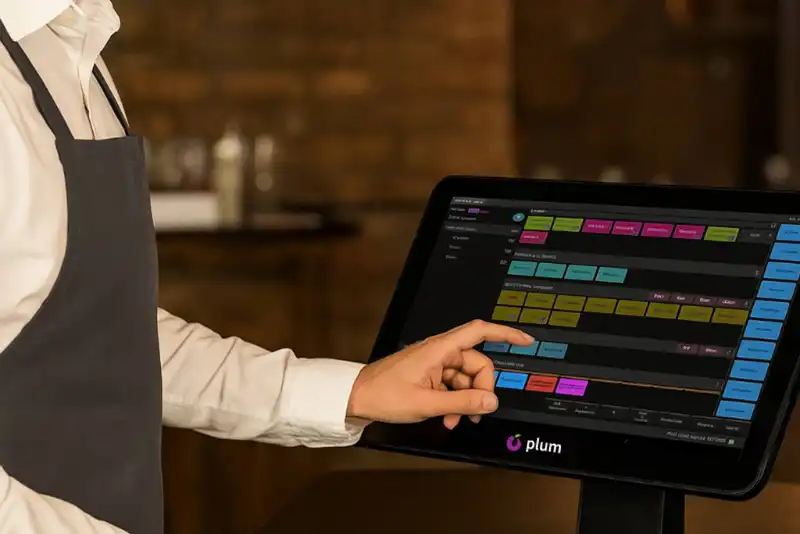
POS Menu Management is the process of updating and controlling menu items, pricing, and availability through a POS system to ensure accuracy across all ordering channels.
Menu management is one of those areas in restaurants that quietly decides how smooth or chaotic daily operations feel. When menus are outdated, prices are inconsistent, or items remain live despite being unavailable, the impact shows up everywhere. Orders go wrong. Staff get confused. Customers lose trust. Managers spend time fixing mistakes instead of running the business.
As restaurants grow, these problems multiply. More platforms, more pricing rules, more modifiers, more delivery channels. What once seemed to work with manual edits or basic tools starts breaking under real volume. This is where POS-driven menu management no longer remains a convenience but becomes an operational infrastructure.
This article explains how POS menu management simplifies menu updates and pricing control as well as improves order accuracy in real restaurant environments. The impact becomes visible not in theory, but during lunch rushes, weekend peaks, and day-end reconciliations. We will also look at how Plum POS supports this flow without adding complexity for teams.
The majority of menu issues do not stem from ill intentions or negligent personnel. In many situations, the team is doing its utmost to ensure everything operates seamlessly. The actual problem is that the systems they employ fail to communicate effectively with one another.
When your POS system, online ordering platform, delivery applications, and in-store menu displays are disconnected, minor adjustments become major operational challenges. As time passes, these minor gaps lead to confusion, decreased revenue, and dissatisfied customers.
Restaurants typically face issues in three areas.

A menu is not just a list of items. It controls pricing logic, order flow, kitchen execution, and reporting accuracy.
In structured systems, the menu lives inside the POS. Any change made there flows automatically to billing, ordering, and inventory logic. This is the core of the benefits of menu management in a restaurant POS system.
Without this structure, restaurants rely on memory, manual edits, or multiple tools that never fully sync.
Digital menu updates are not only about design, but they are also about control and speed. They help restaurants stay accurate, responsive, and organized without adding extra work for the team.
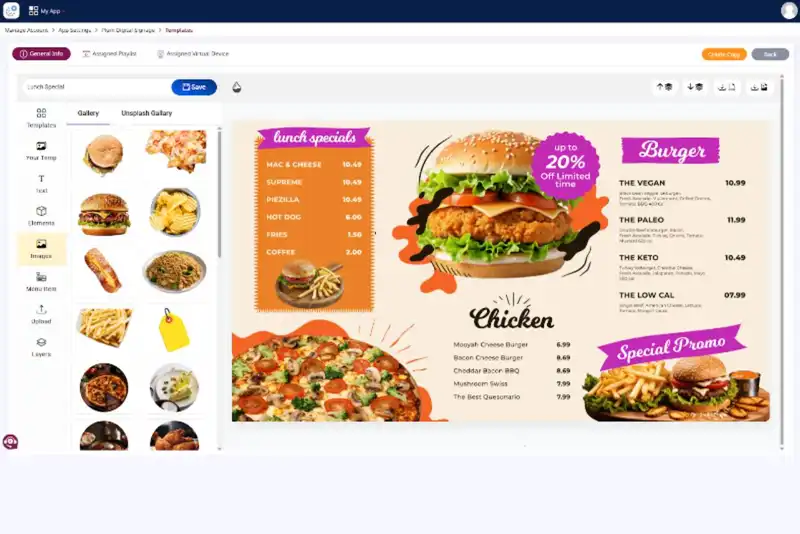
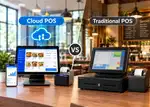
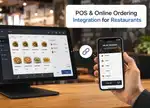
With menu management based on POS, modifications are executed in a single central system. After being updated, the system automatically transmits those changes to all linked platforms in real time, such as in-store orders, online orders, and delivery applications.

This means-
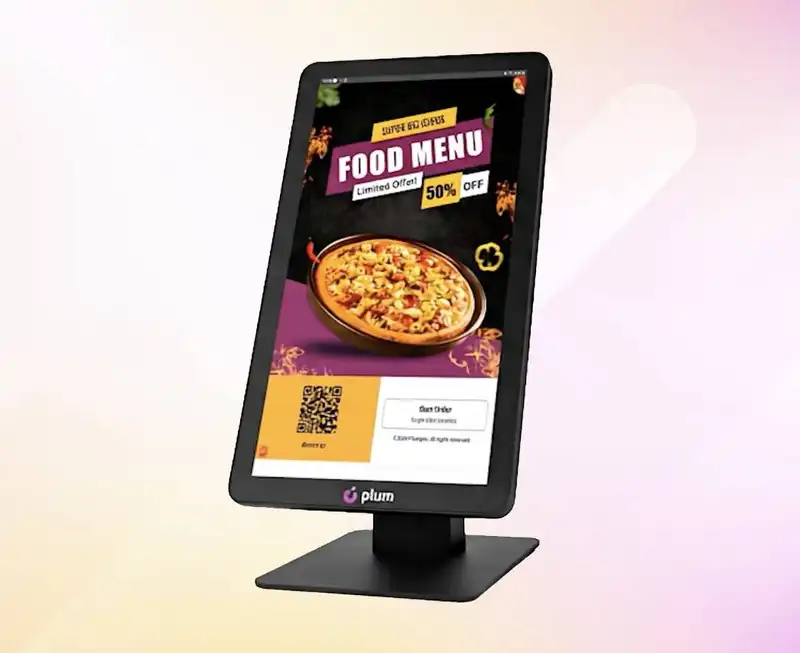
The operations of a restaurant can shift rapidly during service hours. Exercising control over the menu instantly allows managers to react without interrupting the workflow.
The management of the POS menu enables managers to-
Manual communication does not scale, especially during busy hours. Relying on staff memory increases the chances of mistakes.
With POS-driven menus-
Pricing errors rarely happen at billing. They begin significantly earlier, during the menu configuration phase. If the pricing is not properly organized within the system, errors will occur during checkout, reporting, and also in discussions with customers.
POS menu management keeps pricing logic tied directly to menu items.
This ensures -
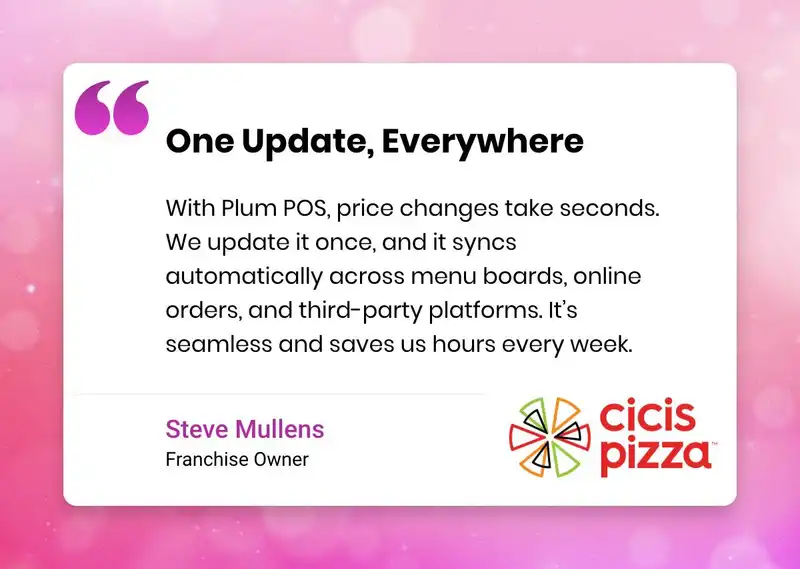
This is how centralized menu updates work in real restaurant operations.
Discounts and bundle-deals frequently lead to billing mistakes when entered manually. Employees might overlook the accurate amount, use an incorrect percentage, or adjust prices to align with a promotion.
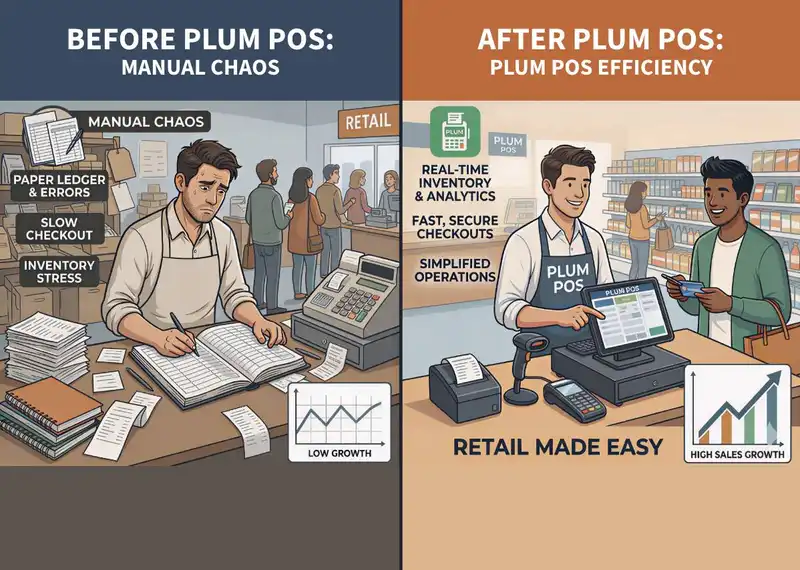
When discounts are incorporated into the menu structure -
Most order mistakes are often blamed on the kitchen or service staff. While in reality, many of these errors begin with how the menu is structured inside the system. If the menu setup is unclear or inconsistent, mistakes become almost unavoidable.
A well-organized menu distinctly outlines each item in the system. It eliminates uncertainty before the order arrives at the kitchen.
A thoughtfully crafted menu identifies -
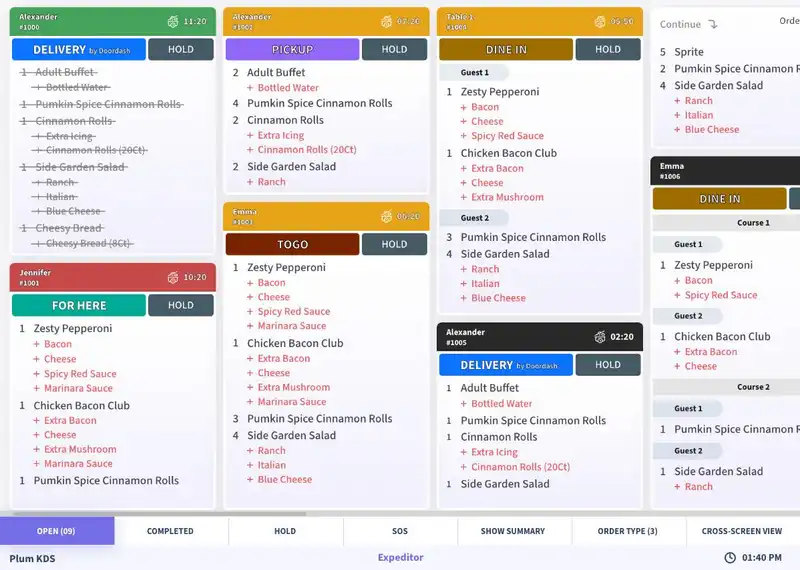
When menus are unclear or poorly defined, employees depend on memory or guesses. Speculation raises the likelihood of erroneous orders, absent modifiers, or incorrect portions.
When menus are entirely handled via the POS, the ordering process becomes automated and organized. The system precisely records what the customer chooses without requiring any manual rephrasing or clarification.
By utilizing menus driven by POS -
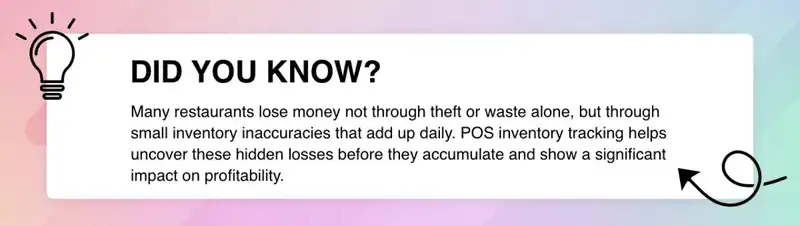
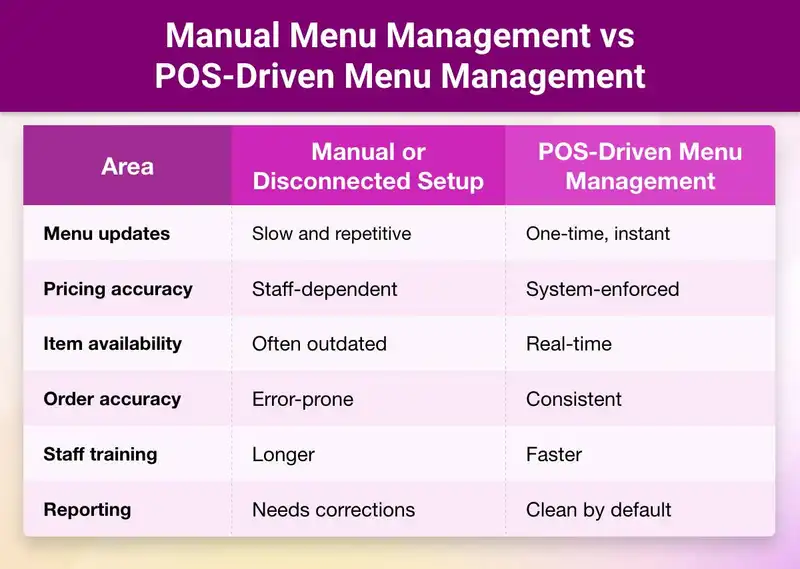
This comparison highlights the real benefits of menu management in restaurant POS system workflows.
Plum POS is designed around real restaurant operations, not just attractive demo screens. Its structure focuses on reducing errors, saving time, and improving profitability at the menu level itself.
When menu management becomes centralized and automated, restaurants typically see measurable improvements in operational efficiency and revenue protection.
In Plum POS, the menu goes beyond being merely a list of items. It serves as the functional hub that integrates billing, pricing, and inventory management.
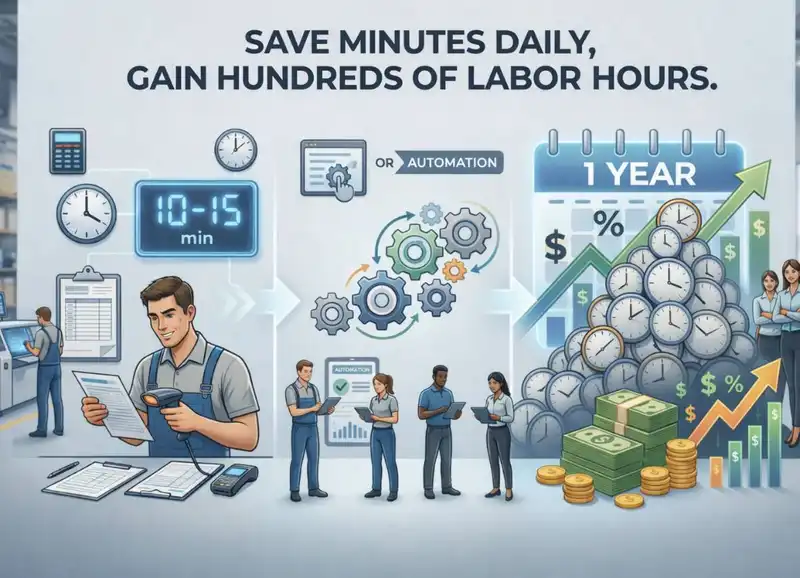
From an ROI standpoint, reducing even 10 to 15 minutes each shift in manual checks and corrections saves hundreds of labor hours over the year.
Plum POS simplifies tasks for employees while enhancing oversight for owners. The system automatically enforces rules rather than depending on memory or supervisor approvals.
New employees are not required to remember intricate menus, pricing details, or discount procedures. They just adhere to what the system permits, which reduces onboarding duration and enhances uniformity.
This reduces -

As operations grow, complexity increases faster than revenue if systems do not keep up. More SKUs, more pricing tiers, more channels.
At that stage, even strong teams struggle without structure. This is why scalable menu control inside restaurant POS systems becomes foundational.
Surprisingly, manual updates cost more than automation early.
Another Practical Insight from Daily Operations
Most menu-related issues are invisible until volume increases.
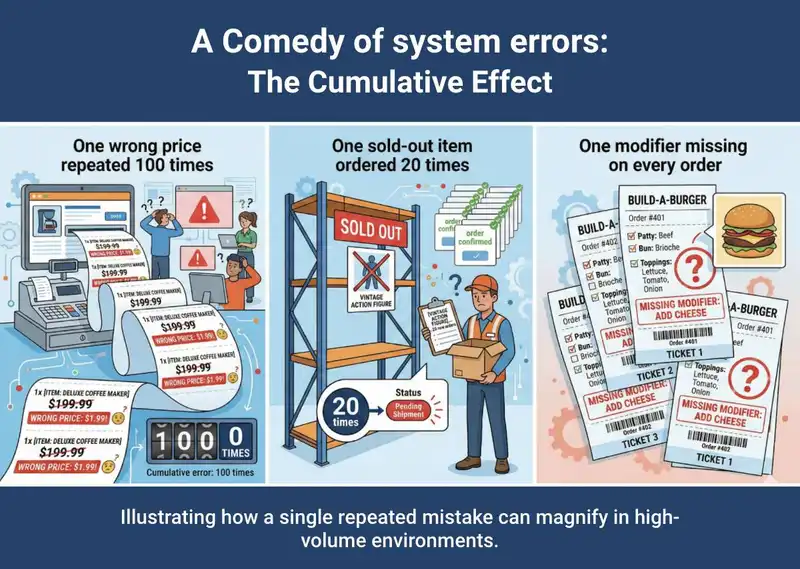
Menu management is not a cosmetic task. It is an operational discipline. When menus are maintained inside the POS, menu management becomes smoother with faster updates, consistent pricing, and error-free orders. This is how POS helps in digital menu updates in real conditions, not as a feature list, but as a daily advantage.
The benefits of menu management in restaurant POS system adoption show up quietly. Fewer corrections. Fewer disputes. Calmer service. Better reporting. More time to focus on food and customers.
Plum POS supports this by treating the menu as the backbone of operations, not an afterthought.
When systems carry complexity, restaurants gain clarity, control, and confidence to grow without chaos.













-Benefits-&-POS-Guide-150-90faf61de.webp)
























POS menu management ensures that only active items with correct prices and valid modifiers are available for ordering across all channels. When staff select items from a structured menu, orders flow directly to the kitchen without manual intervention. This removes guesswork and significantly reduces wrong or incomplete orders.
POS helps in digital menu updates by allowing restaurants to make changes in one central system. When an item is added, removed, or repriced, the update reflects instantly across billing screens, ordering channels, and kitchen tickets. This saves time and prevents mismatched menus during service hours.
Absolutely, Even small restaurants benefit from POS menu management because it reduces manual work, shortens training time for new staff, and prevents common mistakes. As the business grows, the same system scales smoothly without forcing a change in workflows later.
The benefits of menu management in a restaurant POS system include faster menu updates, consistent pricing, improved order accuracy, reduced staff dependency, and cleaner reports. It also helps restaurants handle peak hours better because the system controls what can and cannot be ordered.
Yes, POS menu management is designed to handle frequent pricing updates without confusion. Prices can be adjusted centrally, applied automatically to all orders, and combined with discounts or taxes correctly. This avoids manual overrides and billing disputes at the counter.
2026-10-12
Read More