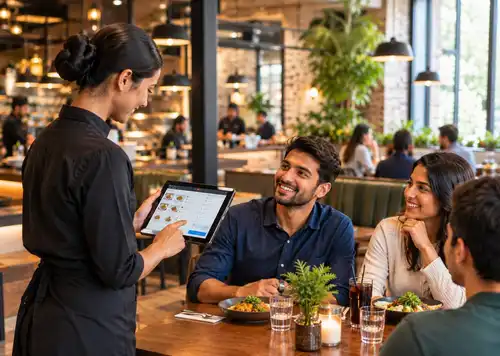
What is mobile POS and why should restaurants use it?
It's a tablet or handheld device that lets servers take orders and payments at the table. Orders reach the kitchen instantly, so service is faster and more accurate.
POS systems
Updated On: October 09, 2026 | Published On: October 09, 2026 |

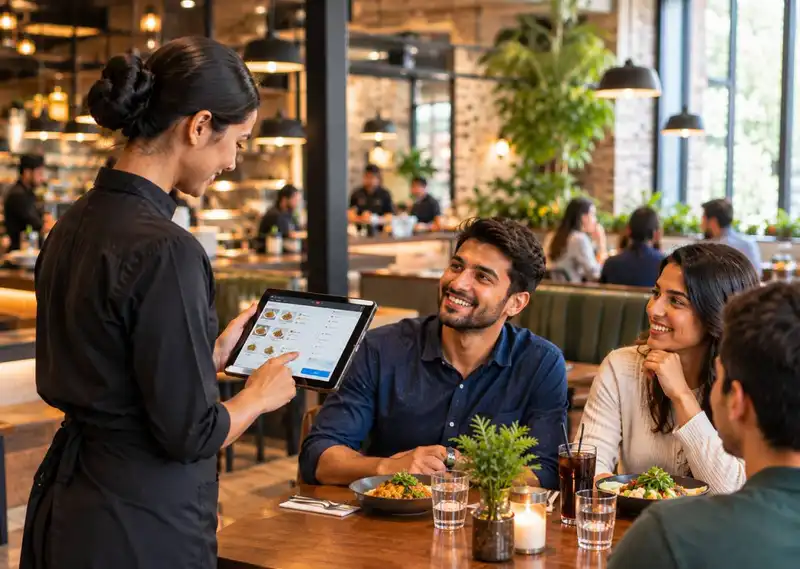
It's a tablet or handheld device that lets servers take orders and payments at the table. Orders reach the kitchen instantly, so service is faster and more accurate.
During the busiest hour of dinner service, every trip back to the terminal costs time. Now picture the alternative- a server takes an order at the table, it's in the kitchen before they've walked away, and the guest pays without ever flagging anyone down. That's the shift mobile POS has brought to restaurants, and it's changing service in ways that are easy to feel but easy to overlook, too.
Handheld devices bring ordering, payment, and kitchen communication into a single tool that servers carry with them. That cuts out a lot of the back-and-forth that used to eat up a shift, freeing staff to focus on the table in front of them. In this article, we'll look at how restaurant tablets and portable terminals work in practice, and where they make the biggest difference.
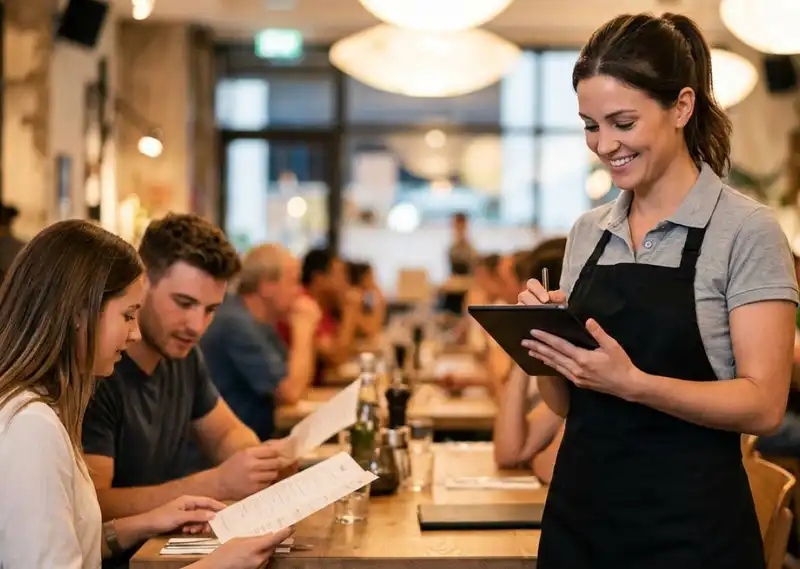
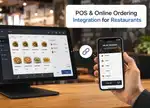
A mobile POS is basically a tablet or smartphone that works like a cash register, plus a lot more. It combines the functionality of a traditional POS with the flexibility of a device that staff can actually carry around the restaurant.
There are three main pieces to it-

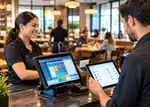
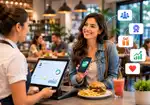
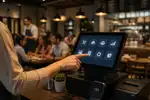
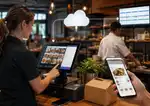
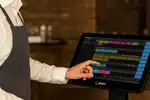
When a server walks up to a table with a tablet in hand, order-taking gets faster and more accurate. Substitutions, allergies, and special requests get logged directly in the system instead of scribbled on a notepad, which means fewer mistakes and food hitting the kitchen sooner.
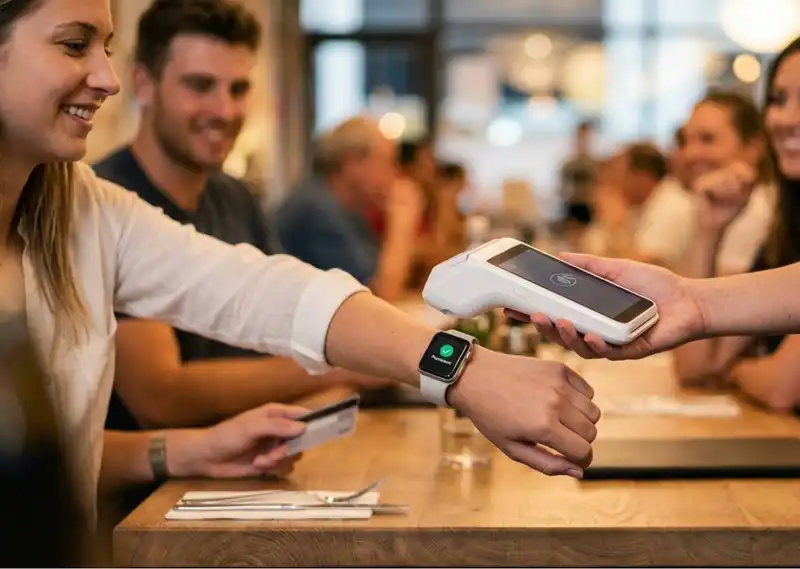
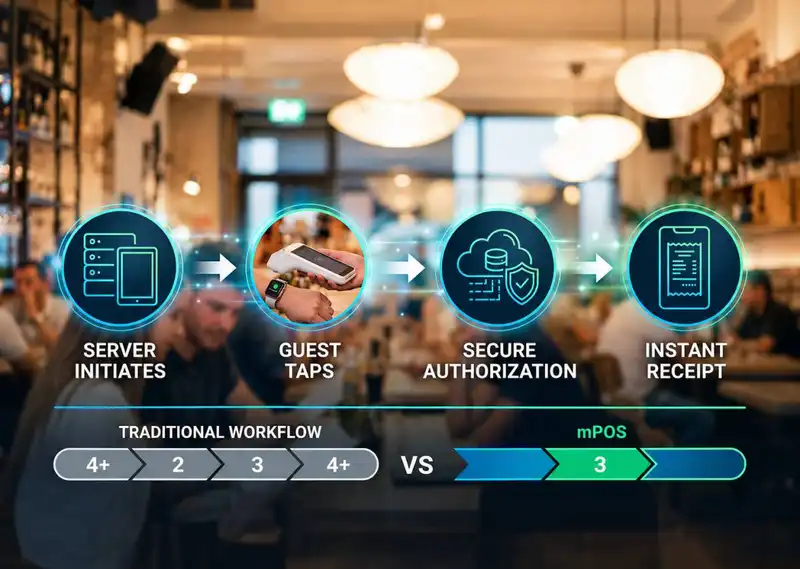
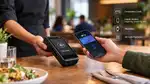
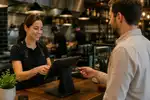
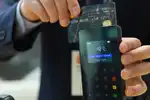
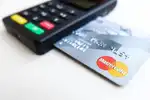
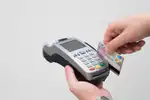
Payment gets simpler too. Guests aren't waiting around for someone to bring the check back from the register; they can pay right at the table with a card or phone through a portable reader. That's a big part of why tables turn faster with handheld POS in place- less waiting on both ends of the meal.
Mobile POS shows up in all kinds of restaurants, and each one tends to use it a little differently depending on how they run service.
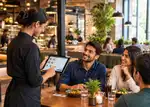
In casual dining spots, servers usually carry a tablet table-to-table. Once a guest orders, it goes straight into the system, and the kitchen gets it immediately, with no walking back to enter it manually.
Food trucks and pop-ups benefit in a different way. With limited counter space, a portable payment terminal means staff doesn't need a bulky register setup. A customer taps their card or phone, and the transaction's done in seconds.
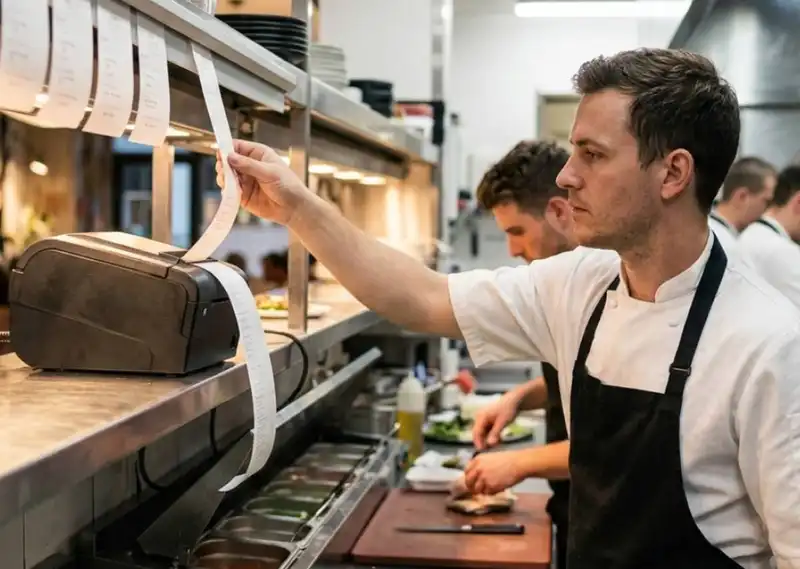
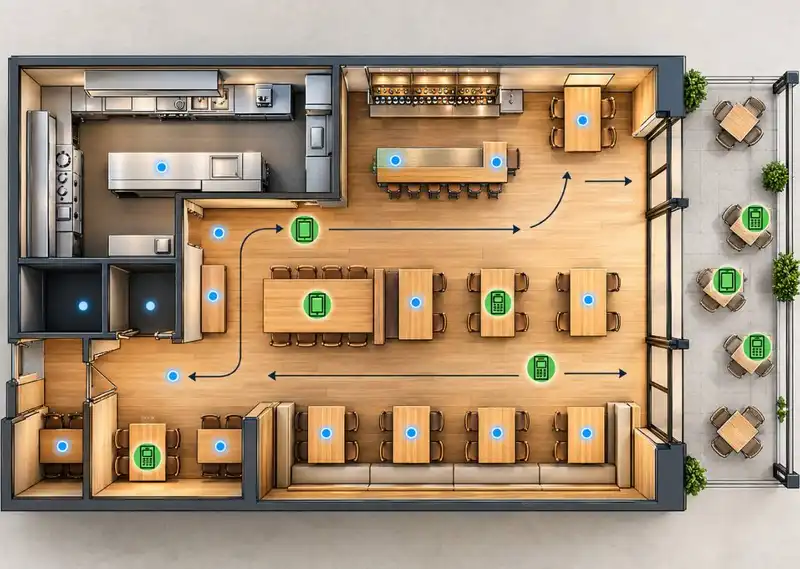
Patios and rooftop seating are another good example. These areas are often physically separate from the main counter, so a handheld device lets servers take orders and payments without leaving their section.
Coffee shops and quick-service spots use mobile ordering devices to keep lines moving; staff can walk the line and take orders before customers even reach the counter, so by the time they get there, the order's already in.
Small changes like these add up to a real difference in how smoothly a shift runs and how satisfied guests end up feeling.

Restaurant technology overall has gotten a lot better at pulling orders, payments, and inventory into one place, which cuts down on errors and speeds up basically everything staff has to do. That's a big part of why handheld ordering has caught on the way it has.
AI and automation are playing a growing role too, flagging which menu items are trending and suggesting what to promote, which supports faster service and more relevant offers for regulars.
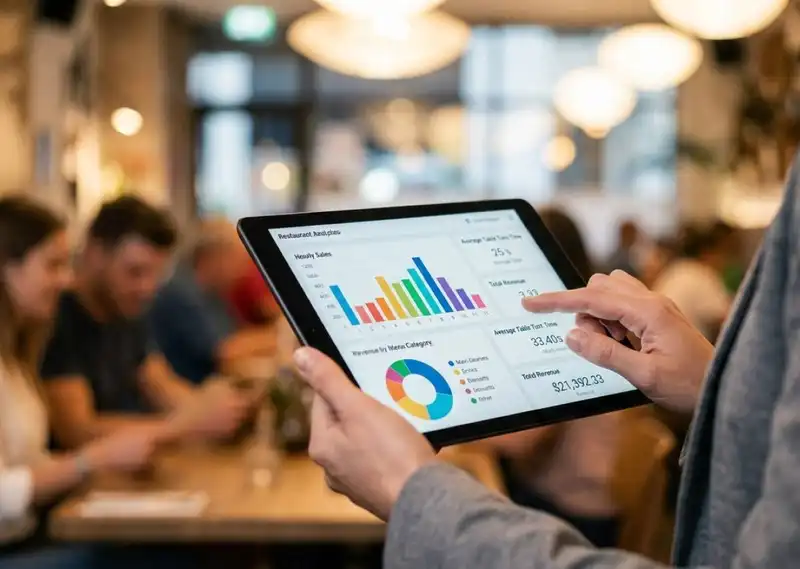
Cloud access adds another layer- owners can check sales and keep an eye on operations from anywhere, not just from the restaurant floor. That means the business can handle a busier night without everything feeling like it's about to fall apart.
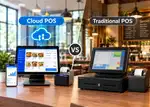
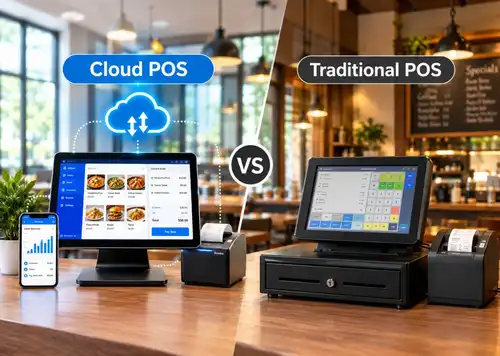
| Category | Traditional POS | Mobile POS |
| Where orders are entered | At a fixed terminal | Right at the table |
| Payment | Guest waits for the check to come back | Pay tableside, on the spot |
| Staff movement | More walking back and forth | Far less walking |
| Service speed | Slower, more bottlenecks | Faster, fewer delays |
Bringing in a new system doesn't have to be a headache if you take it step by step.
Start with your actual needs. Think through your order volume, whether you run table or counter service, your menu complexity, and what payment options you need. Decide if extras like online ordering or loyalty programs matter to you.
Narrow down your options. Look for systems built for your restaurant's size and style of service something that can handle your order volume, works with your menu setup, and fits your budget.
Train your team gradually. Start with the basics- order entry, simple troubleshooting, before layering in more advanced features like AI tools or self-service kiosks. Give staff time to get comfortable before the full switch-over.
Watch how it's actually performing. Once it's live, pay attention to whether service is genuinely faster, whether errors are dropping, and what staff and guests are saying. Adjust settings or add training as needed; it doesn't have to be perfect on day one.
Mobile POS brings real benefits, but a few challenges tend to show up early on.
Adopting mobile POS isn't a one-and-done setup; it pays off more the more you use it well.
Keep it updated. New features roll out regularly, and staying current means your restaurant keeps pace with what guests expect.
Layer in loyalty features. Add-ons like gift card tracking, loyalty rewards, and birthday offers give guests more reasons to come back.
Use the data you're already collecting. Order history and regulars' preferences make it easier to suggest upsells or promotions that actually feel relevant, instead of a generic discount blast.
Mobile POS keeps evolving as restaurants lean further into digital tools. A few developments worth watching-
A lot of what makes mobile POS valuable tableside ordering, instant kitchen communication, cloud access, built-in loyalty tools, real-time reporting is exactly what Plum POS is built around. Instead of stitching together a handheld ordering app, a separate payment reader, and a disconnected reporting tool, Plum brings it into one system that runs on the floor and syncs everywhere else. That's really the point of mobile POS in the first place- less juggling, more time actually serving guests.
Mobile POS isn't a nice-to-have anymore; it's become part of how modern restaurants operate. It speeds up service, gives staff fewer reasons to run back and forth, and gives guests the fast, flexible experience they've come to expect, contactless payment included. Restaurants that lean into it tend to see the difference in both accuracy and how quickly tables turn.









-Benefits-&-POS-Guide-150-90faf61de.webp)
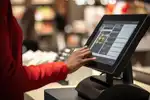
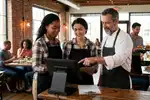
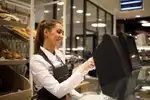
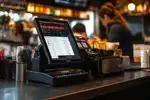

















The benefits of mobile POS for waitstaff include fewer trips to terminals, fewer order errors, and the ability to focus more on guests rather than manual tasks.
Yes, most modern systems include contactless payment solutions, allowing guests to pay quickly using cards, phones, or digital wallets.
Absolutely. Mobile POS allows serving guests anywhere with POS, making it easier to handle peak hours, outdoor seating, and high table turnover efficiently.
Mobile POS helps by enabling faster order entry, tableside payments, and real-time kitchen communication, which helps reduce wait times with mobile POS systems and keeps service flowing smoothly.
2026-10-12
Read More