What is restaurant chain POS software?
Restaurant chain POS software is a point-of-sale solution designed to manage operations across multiple restaurant locations from a centralized platform.
POS systems
Updated On: July 30, 2026 | Published On: July 29, 2026 |

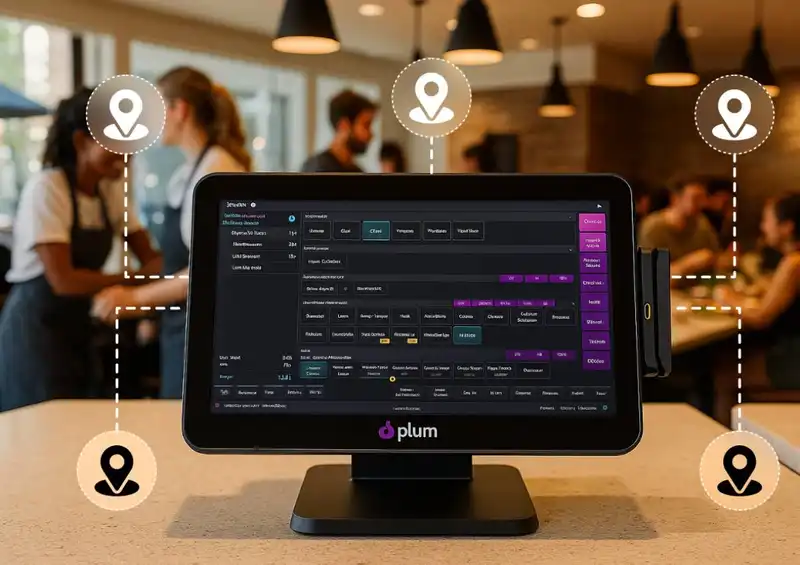
Restaurant chain POS software is a point-of-sale solution designed to manage operations across multiple restaurant locations from a centralized platform.
Running one restaurant already keeps you on your toes. Running multiple locations is a completely different game. Suddenly, you are not just thinking about food and service. You are thinking about consistency, visibility, control, and speed.
If you manage more than one outlet, you have probably felt this shift.
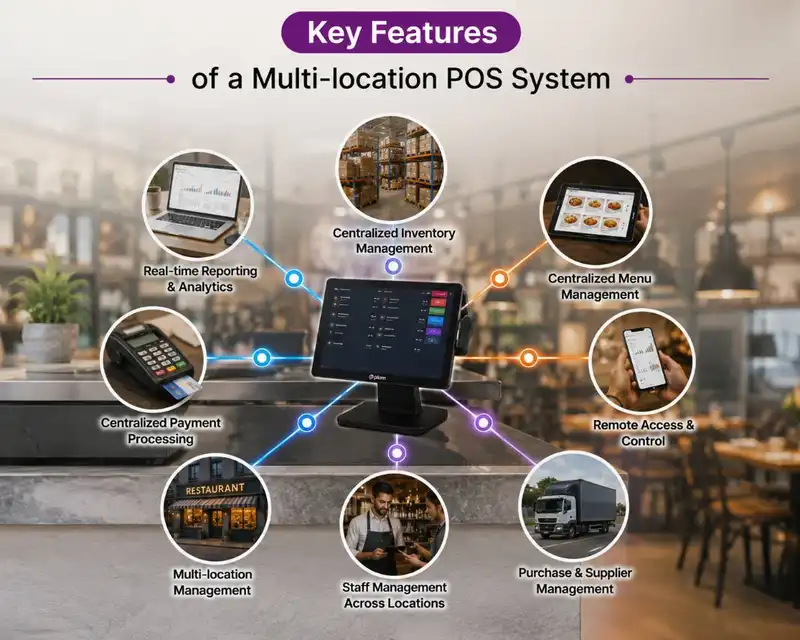
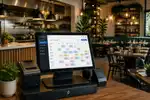
At its core, a multi-location POS system integrates all your restaurant locations into a single centralized system. Rather than having each outlet function separately with distinct data and procedures, the system connects all locations to allow management from a unified platform.
Without a unified POS, each restaurant location can operate as if it were an independent business.
A multi-location POS system addresses this by integrating various essential components of restaurant operations, which include-

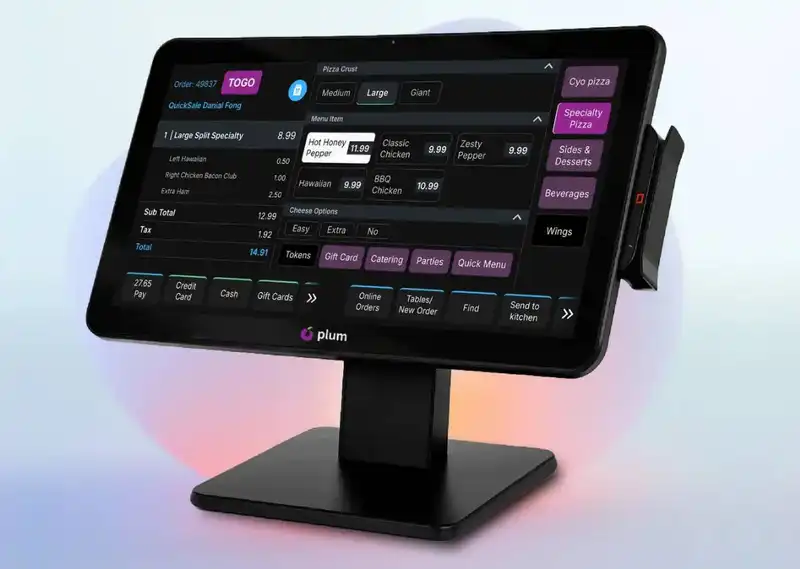
As a restaurant grows from a single location to two or three outlets, its operations inevitably become more intricate. Expansion is a favorable indicator for any company, yet it frequently reveals deficiencies in systems and processes. This is entirely typical. What functioned seamlessly for one restaurant might not be effective when several locations are in play.
As restaurants grow, various typical operational difficulties start to arise.
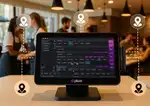
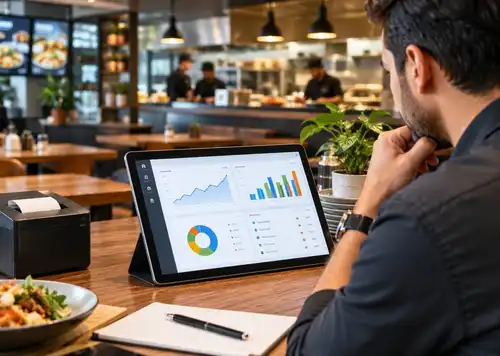
The most significant transformation a centralized POS system provides is transparency. It enables restaurant owners and managers to swiftly grasp the situation at all locations without needing to wait for manual updates or reports.
Using a central dashboard, you can quickly verify essential details like-
Inventory management becomes increasingly challenging when each location handles it independently. Tracking stock manually or via various systems raises the likelihood of shortages, excess ordering, and ingredient waste.
A multi-location restaurant POS addresses this by monitoring inventory via a centralized system. Whenever a menu item is sold, the POS system automatically adjusts the inventory quantities for the ingredients utilized in that dish.

In other words-
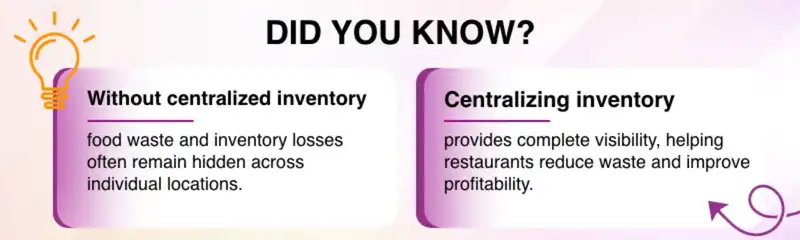
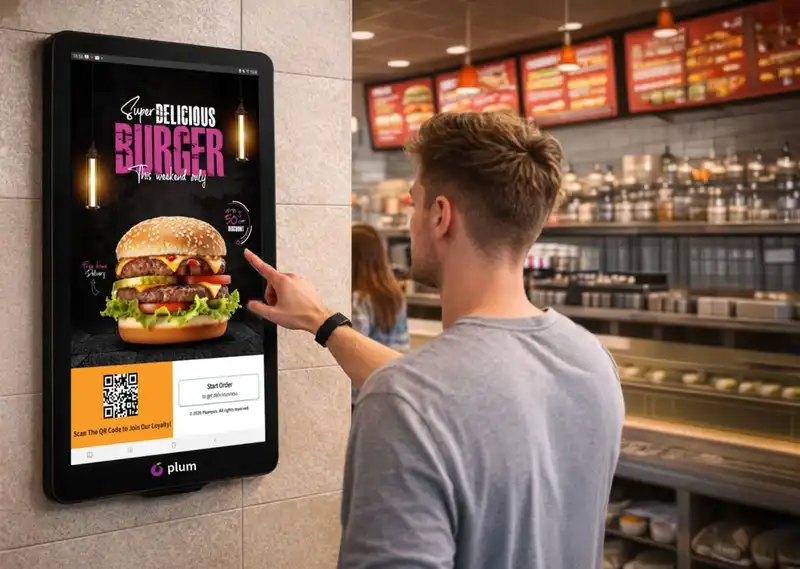
Indeed, this holds greater significance than what many restaurant owners first understand. When several locations function independently without a unifying system, minor discrepancies in menus, pricing, or promotions can readily emerge. As time goes on, these variations can perplex customers and diminish brand coherence.
With effective restaurant chain POS software, managing the menu is significantly easier and more systematic. Operators can-
For franchise operations, achieving the proper equilibrium between rigidity and adaptability is crucial. Even though individual franchise owners require a degree of freedom to manage their locations, the brand must ensure uniform standards are upheld across all outlets.
A well-designed POS system for franchises helps make this possible by allowing franchise owners to manage their daily operations while still following the brand's overall systems, menus, and processes. It achieves this through-
Managing people across locations is not just about schedules. It is really about clarity and control without constant follow-ups.
A multi-location POS system makes this easier by defining clear role-based access for managers, cashiers, and owners, so everyone sees only what they need to see. Outlet-level permissions ensure that each location operates independently while still following the same rules.
In a well-designed multi-store restaurant POS, outlet-level permissions allow each location to operate independently while still following the same operational standards set by the business.
At the same time, owners get central visibility into performance data across all outlets. Managers can focus fully on running their store, while owners see the full picture of the business.
This balance improves accountability and structure without creating micromanagement or confusion.
Let's be honest for a moment. How often do you make decisions using live data instead of yesterday's numbers?
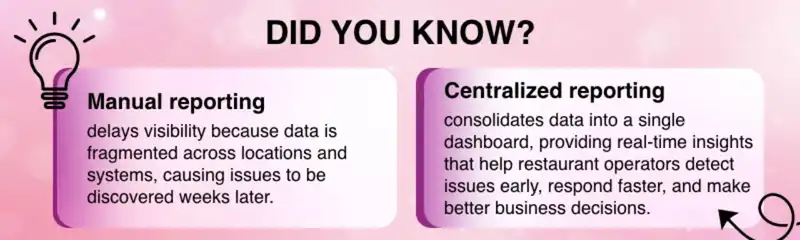
Customers might not view your POS screen, but they feel its effects each time they come to your restaurant. When systems in different locations are interconnected and efficiently arranged, the overall service process becomes more seamless and dependable.
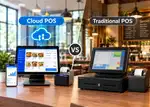
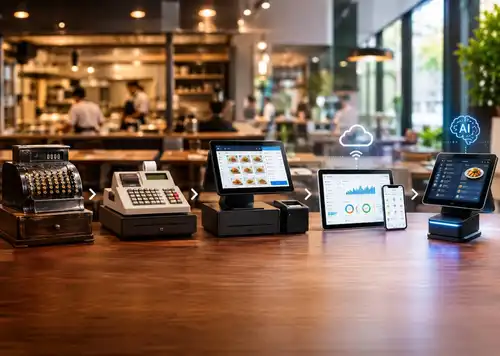
To understand why a multi-location POS system matters, it helps to compare it with a traditional POS setup. While a traditional POS may work well for a single restaurant, it often becomes limiting when a business expands to multiple outlets.
| Area | Traditional POS | Multi Location POS System |
| Reporting | Separate per outlet | Centralized real time view |
| Inventory | Managed locally | Central inventory control |
| Menu updates | Manual at each outlet | Update once, apply everywhere |
| Owner visibility | Delayed | Live access anytime |
| Scalability | Limited | Built for growth |
Not all systems are built for multi-location complexity. These features matter most.
1. Centralized dashboard
An effective multi-location POS must offer a unified dashboard that allows owners and managers to access key data from all locations. This simplifies the process of overseeing sales, assessing performance, and handling operations without the need to toggle between various systems.
2. Tracking inventory in real-time
The inventory must refresh automatically when items are sold. Real-time monitoring aids in avoiding unforeseen shortages, minimizes waste, and enables managers to maintain balanced inventory levels throughout various locations.
3. Oversight of menu and pricing
The system must enable you to change menus, prices, and modifiers from a single location. These updates can subsequently be implemented across all locations, while also permitting particular sites to make minor modifications as necessary.
4. Outlet-Wise Reporting
Comprehensive reports for every site are crucial. This enables operators to assess performance across outlets, recognize trends, and determine which sites are excelling.
5. Role-based Access
Various users ought to possess varying levels of permissions. For instance, store managers might only be able to see the data for their specific outlet, whereas owners or central office teams can access information for the whole company.
6. Cloud-based Access
Cloud-based systems enable owners and managers to reach their POS dashboard from any location. This enables easier oversight of operations, even when not physically present at the eatery.
Some modern platforms, including tools like Plum POS, focus heavily on keeping this experience simple rather than overwhelming owners with unnecessary features. That simplicity becomes valuable as the number of outlets grows.
It is worth mentioning Plum POS briefly in this context.
Plum POS is designed for restaurants that operate or plan to operate multiple locations. The emphasis is on
So, is a multi location POS system necessary, or can you keep managing things the old way a little longer?
For a short time, yes, many restaurants do manage multiple outlets without a centralized system. But as soon as the number of locations grows, cracks start to appear.
Manual processes begin to slow you down, disconnected tools hide small problems until they become expensive ones, and delayed data makes it harder to take timely decisions.
This is where a multi-location POS system changes the experience completely. It gives you clear visibility across all outlets, control without falling into micromanagement, and consistency in menus, pricing, and service that protects your brand.
Brands like Plum POS are built with this exact stage of growth in mind, helping restaurant owners stay organized as they scale.
Whether you are managing two locations or twenty, the right POS system turns chaos into clarity. And when operations feel under control again, growth stops feeling stressful and starts feeling exciting all over again.














-Benefits-&-POS-Guide-150-90faf61de.webp)
























Yes. It helps reduce wastage, prevents over-ordering, improves decision-making, and minimizes manual errors over time.
Yes. Cloud-based systems allow owners to monitor sales, inventory, and performance from anywhere in real time.
A pos system for franchises helps maintain brand standards, provides transparent reporting, and allows centralized oversight while giving franchise owners-controlled access.
Yes. Even restaurants with two or three outlets benefit from centralized visibility, inventory control, and consistent operations.
Yes. Modern restaurant chain pos software supports dine-in, takeaway, delivery, and hybrid formats while keeping central control.
2026-11-02
Read More