What is Contactless Payments for Restaurants ?
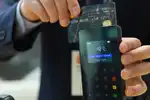
Contactless payments let restaurant guests pay by tapping a card, phone, or watch on an NFC-enabled POS terminal, or by using QR-based payment options at the table or counter.
POS systems
Updated On: October 01, 2026 | Published On: September 28, 2026 |

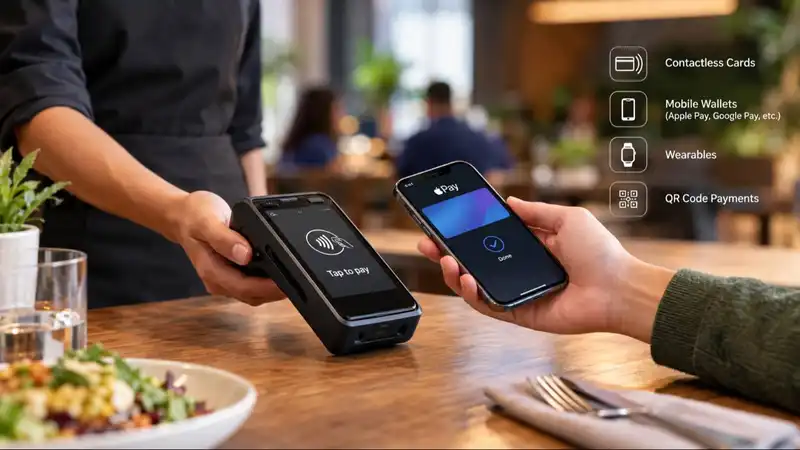
Contactless payments let restaurant guests pay by tapping a card, phone, or watch on an NFC-enabled POS terminal, or by using QR-based payment options at the table or counter.
Customers expect to pay quickly, whether they are at a counter, a table, or online ordering. A contactless payment handheld POS can make checkout easier, but the right setup depends on how your restaurant serves guests and how payments connect to your POS. This guide explains the options, the practical benefits, and the questions to ask before rolling them out.
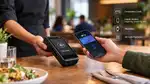
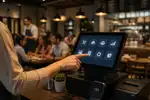
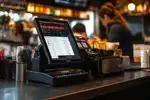
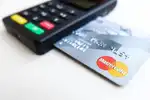
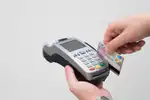
At a physical checkout, a Handheld POS System for Restaurant can accept contactless payments by tapping an enabled card, phone, or watch near a reader using near field communication (NFC). A QR code can also let a guest open a bill and pay on their own device, but that is a different flow- the payment is completed through a web page or app. Online and app orders use remote payment flows as well. A restaurant may support all of these without asking guests to use one method exclusively.

An NFC reader and contactless card or device exchange payment information at a very close range. With a contactless payment handheld POS, the terminal sends the transaction for authorization through the restaurant's payment provider. EMV contactless transactions use cryptographic checks. Digital wallets may also use a payment token in place of a card number. The details vary by card, wallet, issuer, and payment setup; a tap is not simply an unprotected broadcast of a card number.
A guest may unlock a phone or watch before paying, and an issuer or terminal may request additional verification. Do not promise that every wallet payment requires a fingerprint or face scan, or that every tap avoids a PIN. The payment experience also depends on local rules and the provider's configuration.
Counter and drive through
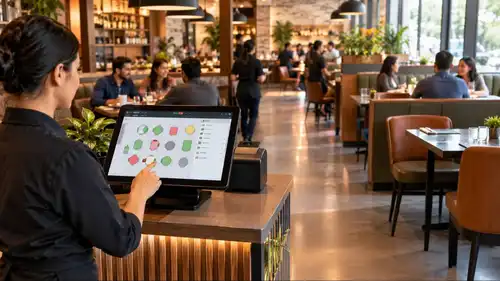
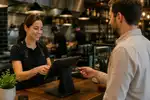
A simple tap can shorten the payment step when staff are serving a line. The overall service time still depends on ordering, food preparation, terminal response, and staff workflow. Measure actual throughput during peak periods before claiming a specific time saving.
Table service
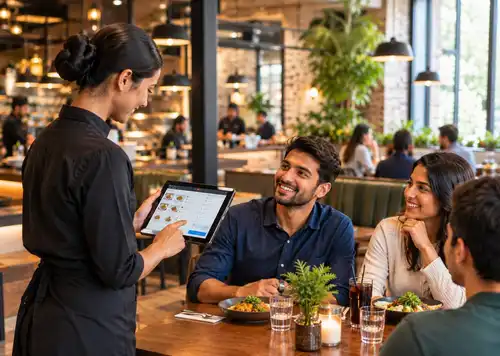
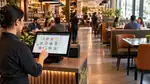
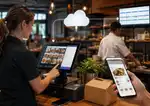
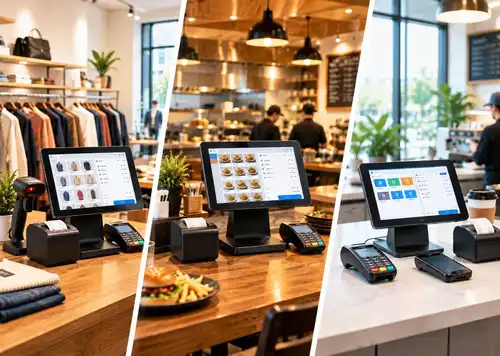
A handheld terminal or a pay table link can let guests review a check, split it, add a tip, and pay without waiting for a server to return with a card. Test the complete experience- split checks, adjustments, tips, receipts, refunds, and how the paid status appears in the POS.
Digital orders and reconciliation
Online orders, loyalty accounts, and mobile apps can offer convenient ways to pay. A well-integrated setup can connect payments to orders and reporting, reducing manual reconciliation. Confirm how deposits, refunds, chargebacks, and fees appear in reports; integration alone does not guarantee clean accounting.
Contactless EMV transactions include security controls, but no payment method eliminates fraud or merchant security responsibilities. When using a contactless payment handheld POS, ask the provider for which devices are approved, how payment data is protected from capture through processing, what your PCI DSS responsibilities are, and whether a PCI listed point to point encryption solution is available. If guests scan a QR code, make sure the link is clearly branded and protected against tampering or substitution.
Contactless cards and digital wallets do not all handle credentials in the same way. Avoid broad claims that every contactless transaction uses a single use token or is categorically safer than inserting an EMV chip card. A provider should be able to explain its specific flow in plain language.

Payment methods- Which contactless cards and wallets work with the proposed terminals? Are gift cards, cash, chip cards, online orders, and QR payments supported in the same workflow?
Guest experience- Can guests split a bill, tip, request a receipt, use loyalty benefits, and pay at the table? What happens if a payment is declined?
Costs and contracts- What are the processing rates, device charges, software fees, chargeback fees, and cancellation terms? Compare a realistic month of transactions, including average ticket and payment mix.
Operations- How are voids, refunds, tips, settlement batches, and deposits reconciled? What happens when the internet or processor is unavailable, and which transactions can be completed later?
Security and support- What is the PCI scope for the restaurant, who supports the terminal and processor, and how quickly can a failed device be replaced?
Start with one service flow and a small number of locations. Confirm terminal compatibility and payment routing, then train staff on tap prompts, declined transactions, tips, refunds, receipts, and fallback methods. Put clear payment signage where guests make the decision. During the pilot, review checkout time, payment failures, guest feedback, and whether sales and deposits reconcile correctly. Expand only after the operational issues are resolved.
Keep other payment options available for guests who prefer them and for situations where contactless cannot be used. Avoid assuming a universal tap limit- verification requirements and limits vary by issuer, market, and payment method.
Contactless acceptance is a useful part of a modern restaurant's payment experience. The bigger decision is whether the POS, terminals, processor, and reporting work together for your service model. Choose the payment flow that helps guests finish the transaction easily and give your team dependable records at the end of the day.
If you are reviewing payment options alongside a new restaurant POS, ask the Plum POS team to walk through your real checkout scenarios, including tips, split checks, refunds, and reconciliation. Request a demo to see how the proposed setup works for your locations.









-Benefits-&-POS-Guide-150-90faf61de.webp)




















Yes. Restaurants can use handheld NFC terminals or a QR based pay at table flow. Test tipping, split bills, receipt of delivery, and POS updates before launch.
Compatibility depends on the POS, processor, terminal model, and configuration. Ask the vendors to demonstrate the complete order to payment settlement flow before buying equipment.
EMV contactless payments use security controls, including cryptographic checks. The full level of protection depends on the card or wallet, terminal, processor, and merchant setup. Restaurants still need to manage payment security and PCI DSS responsibilities.
No. An enabled contactless card can be tapped at a compatible terminal. Phones and watches with supported wallets are additional options.
2026-10-12
Read More